DRM Converter for Windows
![]()
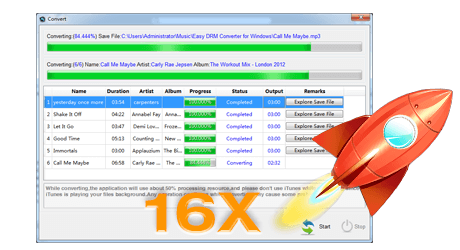
DRM Converter for Windows is the legal way to convert iTunes DRM protected M4P files to unprotected MP3 files
at high speed and with CD quality.
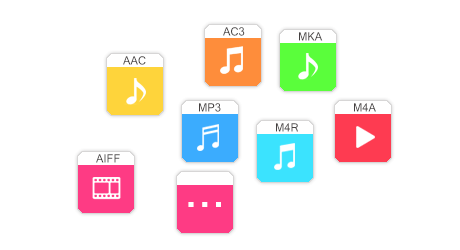
It is perfect DRM removal tool designed for remove Drm protection from iTunes M4P files through burning DRM protected music to a virtual CD-RW disc and then automatically rip/encode the music stored on the Virtual CD-R. This makes the whole conversion process automatically and faster. DRM Converter for Windows uses a CD-RW and iTunes itself to convert all of your DRM M4P files in your iTunes library or in a play list to standard format files (MP3, AAC, Apple Lossless, AIFF, WAV) that you can use with iPod and any MP3 player. The purpose of DRM Converter is allows you to free your iTunes Music Store purchases from their DRM restrictions with no sound quality loss. These songs can then be played outside of the iTunes environment, even on operating systems not supported by iTunes. The DRM Converter for Windows works on Windows Vista and Windows XP. The free trial is not yet available on DRM Converter for Windows. DRM Converter for Windows uses the iTunes importers and selects the importer that you want to use without changing any of the import settings. To see or change, for example, the MP3 Import settings do this before running DRM Converter:
Since DRM Converter supports any iTunes importer you need to make sure the settings for the importer that you want to use are correct before running DRM Converter for Windows. DRM Converter for Windows does the rest for you. When the operation is complete you will have a new playlist in iTunes that contains the imported files. Even if you buy more iTunes DRM protected files simply run DRM Converter for Windows to convert those music files. you can enjoy all your protected musics on iPod, any other MP3 player, CD player, mobile phone or PC - without any restrictions or DRM protection. System Requirements:
|
| Copyright 2006-2007 AppleMacSoft.com. All rights reserved |